



FEDIKER SW5 USB Wireless Headphones for Work with 2.4G Dongle & Bluetooth Earbuds, 20ms Low Latency, 4 Mics, Compatible with Desktop Computer and Laptop PC, Ideal for Office, Call Center C21

 4.9 (134 items)
 Limited Time Sale
$29.99 cheaper than the new price!!
Free cash-on-delivery fees for purchases over $99
Product details
| Management number | 230473360 | Release Date | 2026/06/18 | List Price | $20.00 | Model Number | 230473360 | ||
|---|---|---|---|---|---|---|---|---|---|
| Category | |||||||||
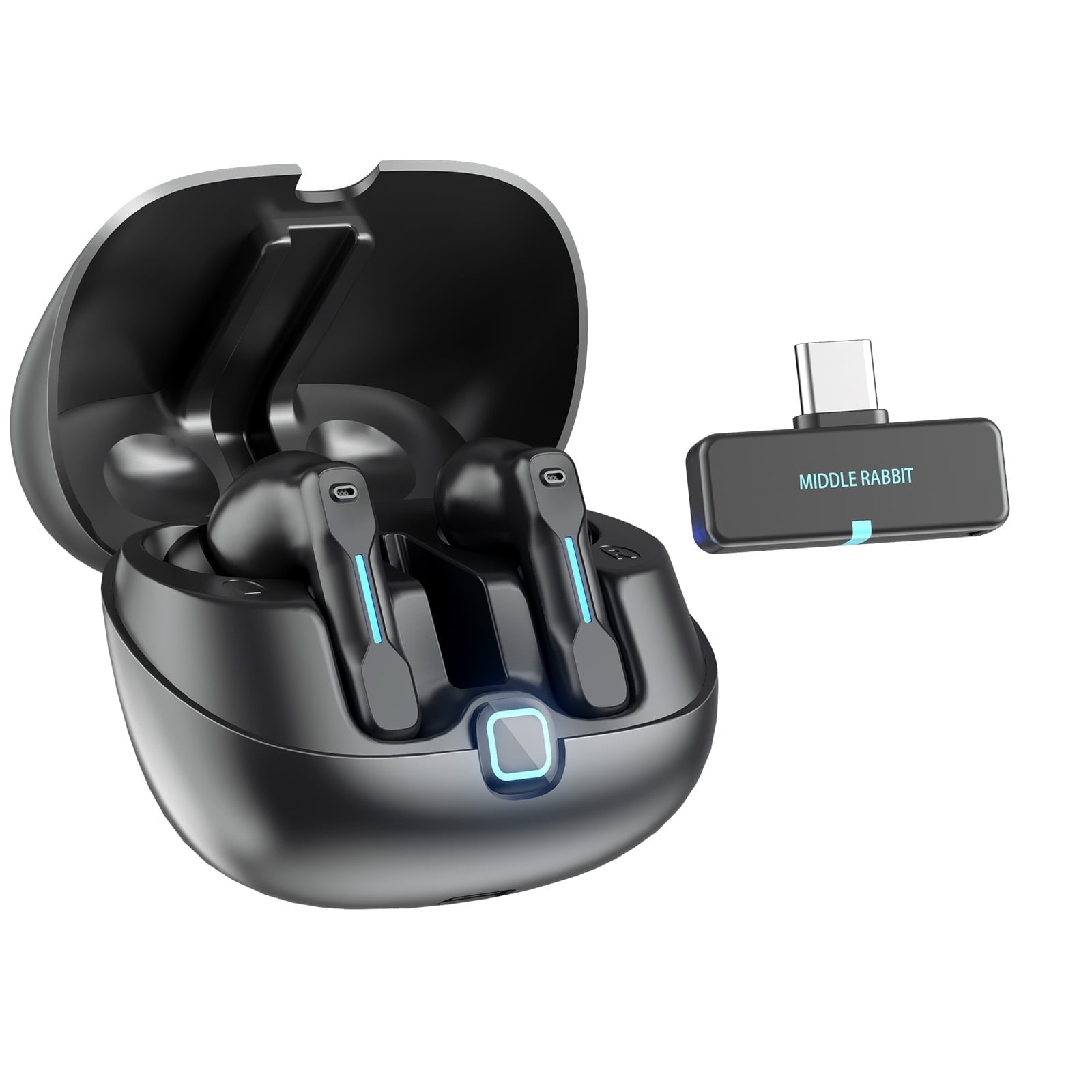
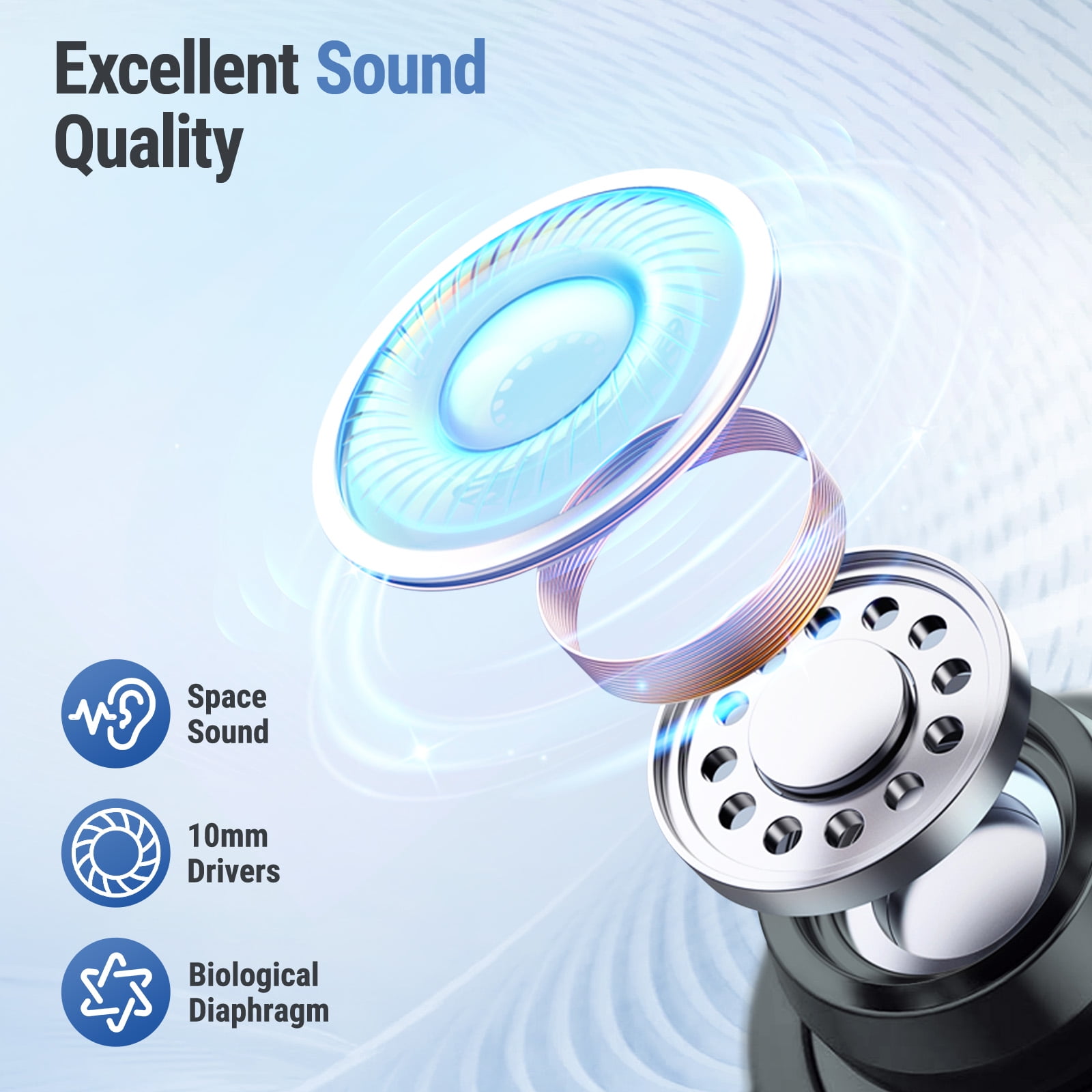
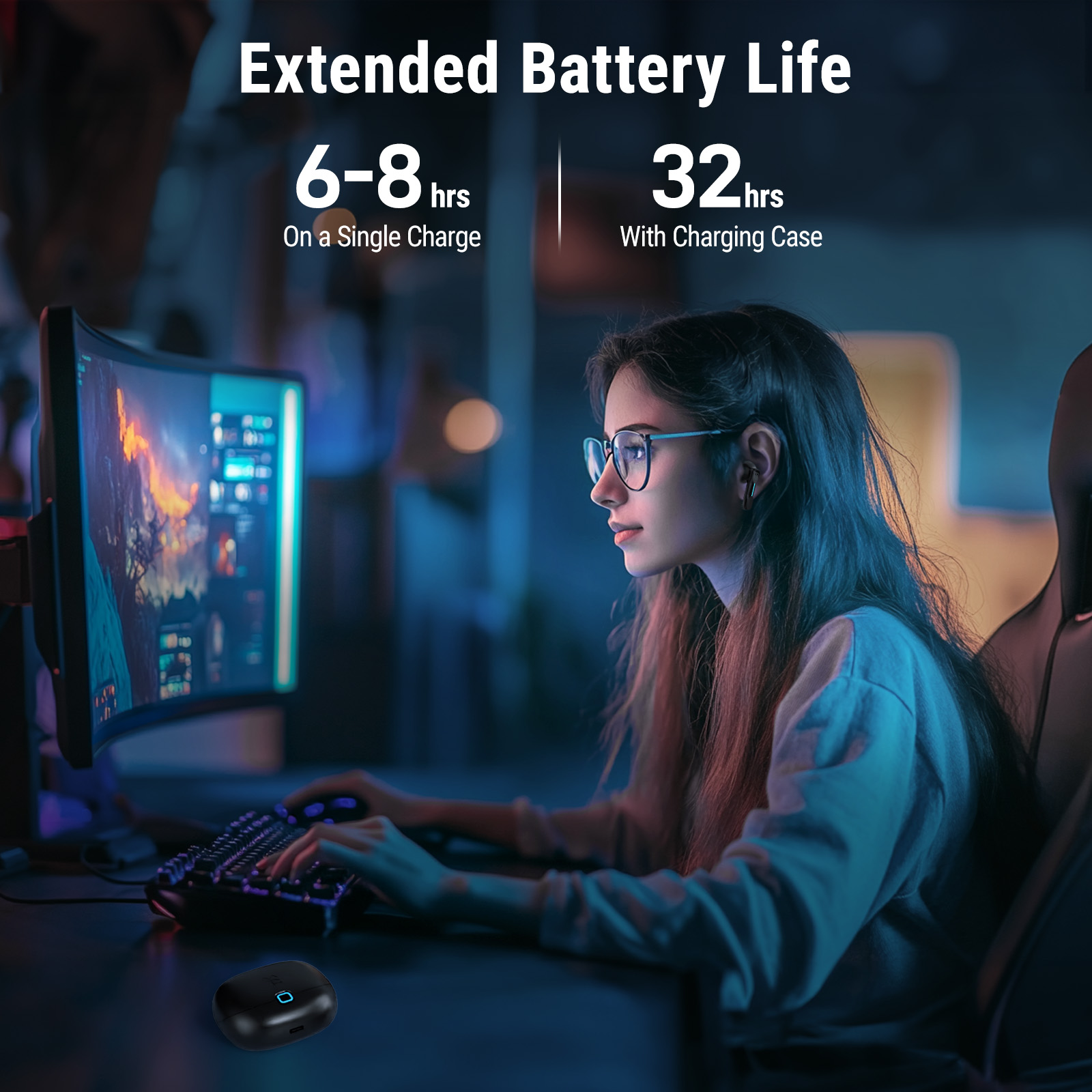
<br>The FEDIKER SW5 is a high-performance USB wireless headset designed specifically for business professionals. With superior sound quality and ultra-low 20ms latency technology, it ensures almost no audio lag during meetings and video calls. The SW5 offers up to 6-8 hours of continuous playback on a single charge, and with the charging case, you can enjoy up to 32 hours of total usage, making it perfect for all-day, stress-free use.<br> <br>The SW5 supports dual-mode connections with a 2.4GHz dongle and Bluetooth, allowing seamless connectivity to multiple devices such as desktop laptop PCs, laptops, and smartphones. With the dual device connection feature, you can easily answer a call on your smartphone during a video meeting on your PC, improving productivity in the office.<br> <br>Equipped with four high-sensitivity microphones, the SW5 delivers clear, natural voice calls while reducing background noise. The touch controls allow for easy call management, including answering, muting, and ending calls with a simple tap.<br> <br>The dedicated app offers a variety of features, such as checking battery status, switching modes, customizing EQ settings, and performing OTA firmware updates, allowing you to personalize your earbud experience and stay updated with the latest features.<br> <br>With its sleek and lightweight design, the SW5 headphones provides comfort during extended use, making it the new standard for office work with its combination of high performance and comfort.<br> <br> <br>【SW5 Dongle Connection Guide】<br> *For the first-time setup, remove the red insulation tape. Then, place the earbuds back into the charging case, close the lid, and reopen it. The earbuds will automatically power on.<br> Step 1. Insert the USB dongle into your computer's USB port.<br> The dongle's indicator light will remain solid when the connection is successful.<br> Step 2. If the light blinks, press and hold the touch button on one earbud for 2 seconds to ensure the earbuds are in "Dongle Mode" rather than "Bluetooth Mode."<br> Step 3. Ensure the computer’s sound output is set to SW5 in the audio settings.<br> <br> <br>Q: One Earbud No Sound?<br> A: To resolve this, simply press and hold the touch button on the non-working earbud for 16 seconds to reset it.<br>
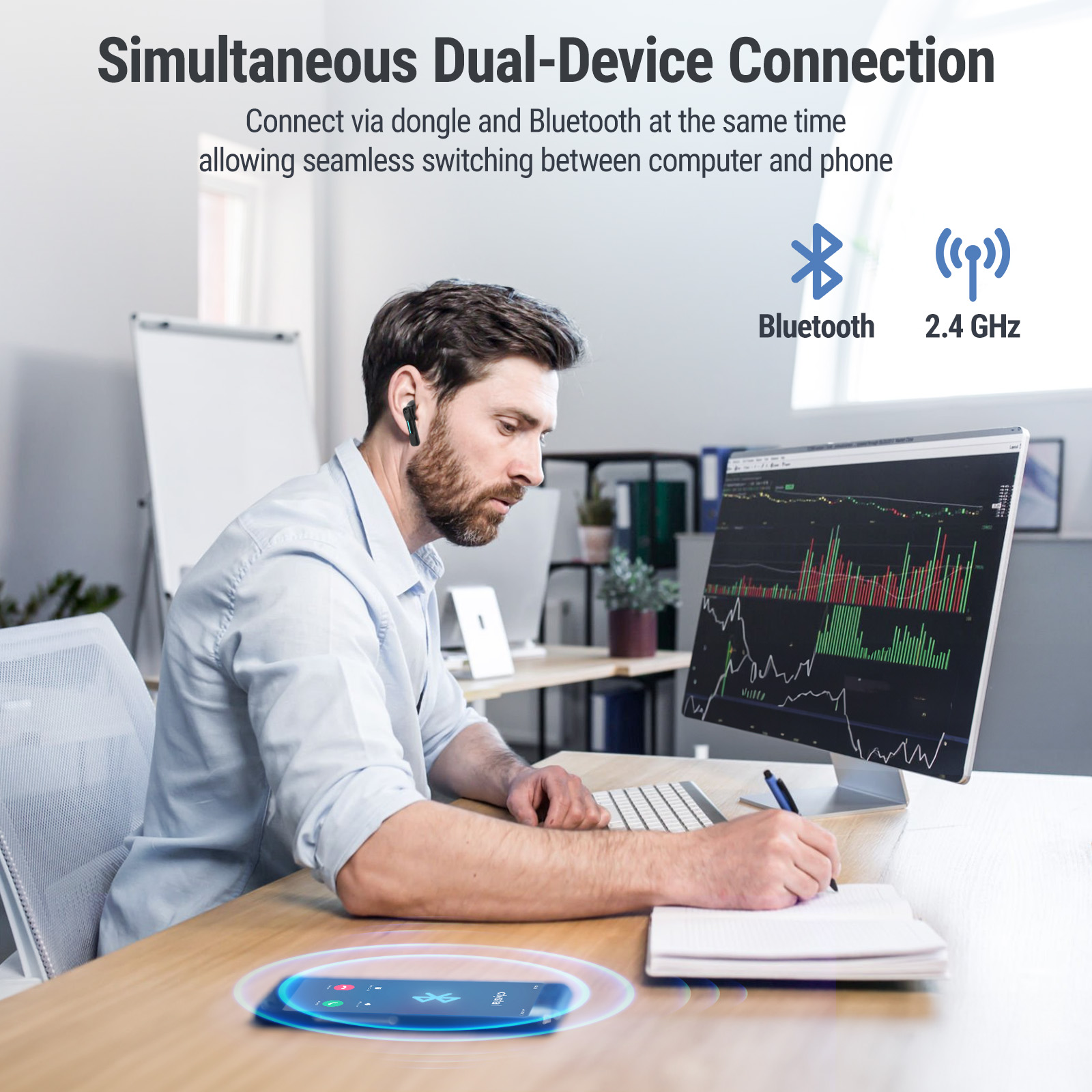
- 2.4GHz Dongle & Bluetooth Dual Device Connection(Switch by holding one earbud for 2 seconds): The FEDIKER SW5 Earbuds support both 2.4GHz dongle and Bluetooth connections, allowing simultaneous connection to two devices. This makes it easy to answer smartphone calls while attending video meetings on your computer, enabling efficient multitasking.
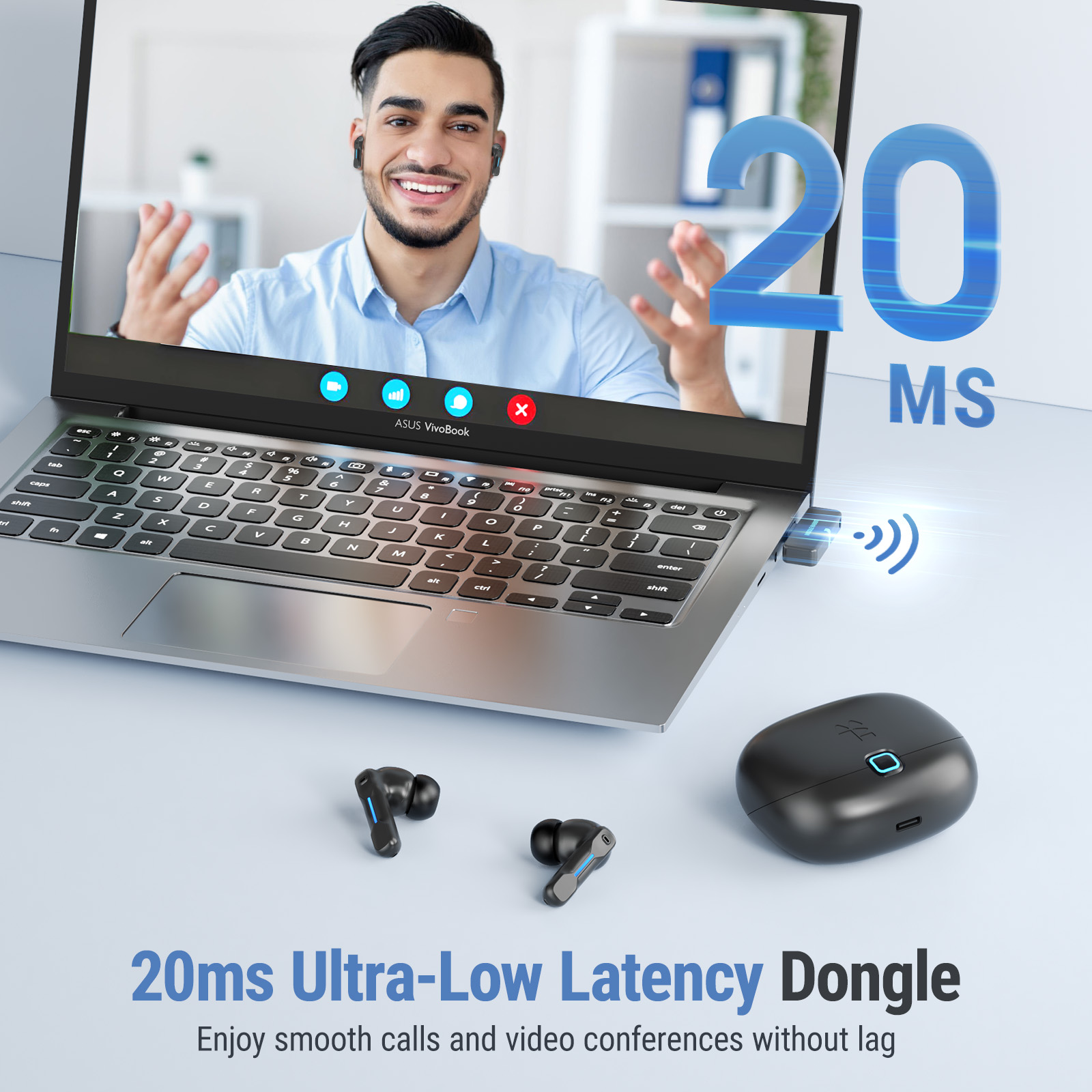
- Ultra-Low 20ms Latency: With the latest LC3 codec, the SW5 achieves ultra-low 20ms latency in real-world usage. This ensures minimal audio lag during video calls or meetings, providing clear and real-time communication.
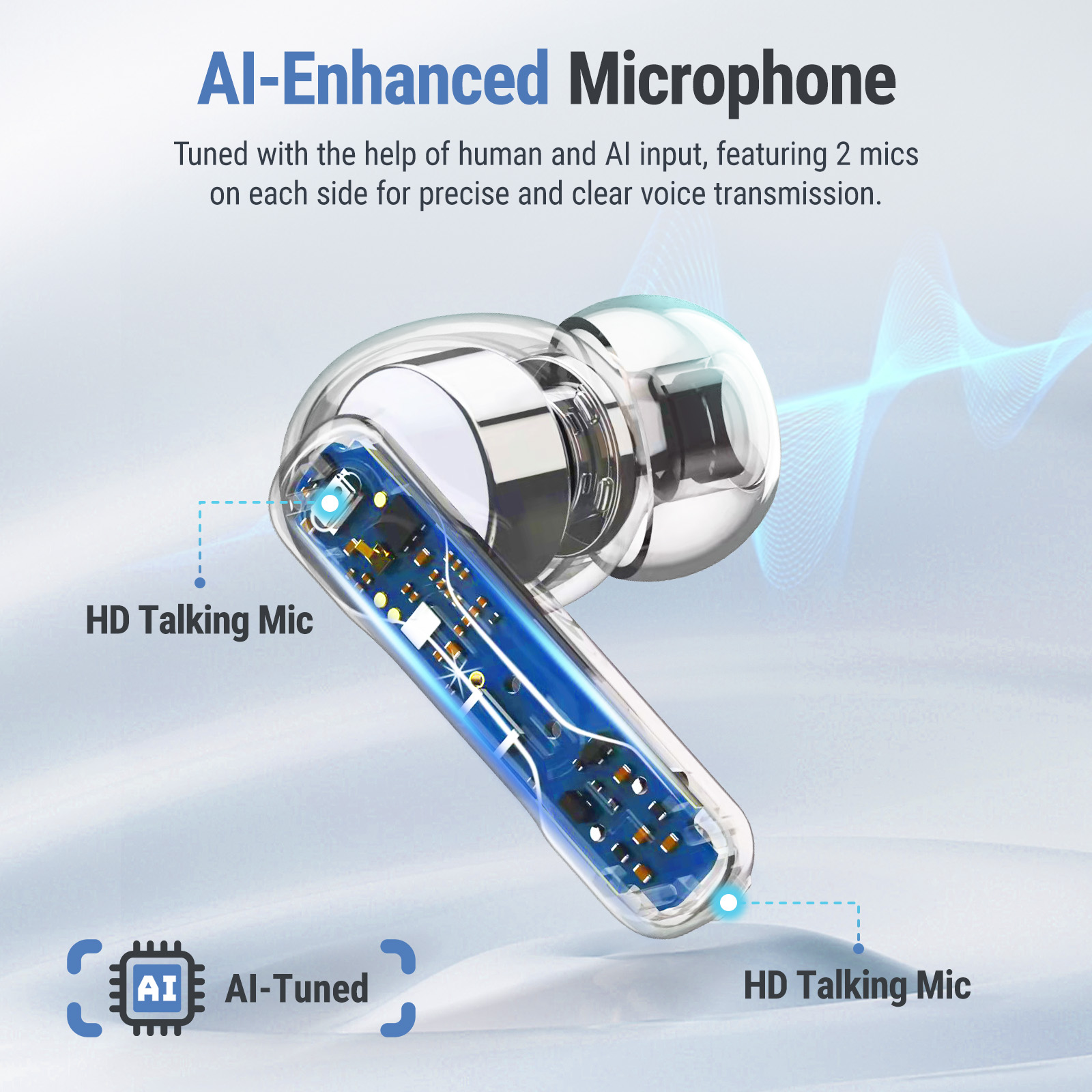
- AI-Tuned 4 High-Resolution Mics: The SW5 features two high-resolution microphones on each earbud, finely tuned by AI to effectively reduce background noise and ensure clear, natural voice calls, even in noisy office environments.
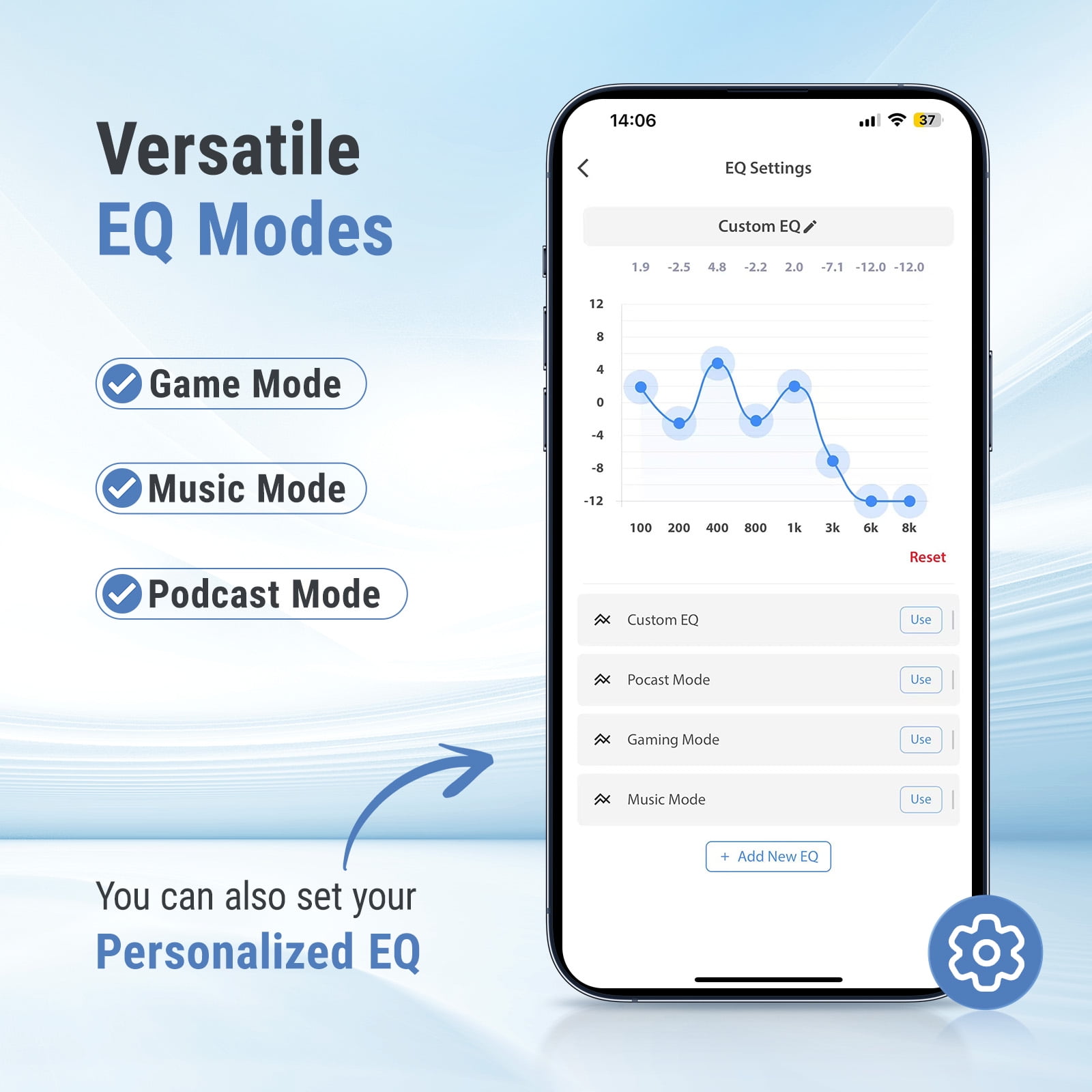
- Multiple EQ Modes and Customizable Settings: Enjoy various EQ modes tailored to different music genres and use cases, or customize your own EQ settings through the dedicated app for a personalized listening experience that enhances both music and calls.
- Full Control via Dedicated App: Through the app, you can check the battery levels of both earbuds and the charging case, customize touch controls, and adjust EQ settings. Additionally, OTA firmware updates ensure you always have access to the latest features.
| Headphone style | In-Ear |
|---|---|
| Audio feature | Surround Sound |
| Wireless | Bluetooth |
| Brand | FEDIKER |
| Recommended use | Computer |
| Accessories included | USB-C dongle, USB-A Adapter, S, M, L Ear Tips, Charging Cable, User Guide |
| Connection | USB |
| Works with | Computers, Laptop Computers, Telephones, Tablet Computers |
| Color | Black |
| Power type | Battery |
| Model | SW5 |
| Compatible brands | Desktop Computer and Laptop PC |
| Activity | Video Gaming |
| Video game platform | PC |
Bestseller ranking
Computers


Correction of product information
If you notice any omissions or errors in the product information on this page, please use the correction request form below.
Correction Request Form